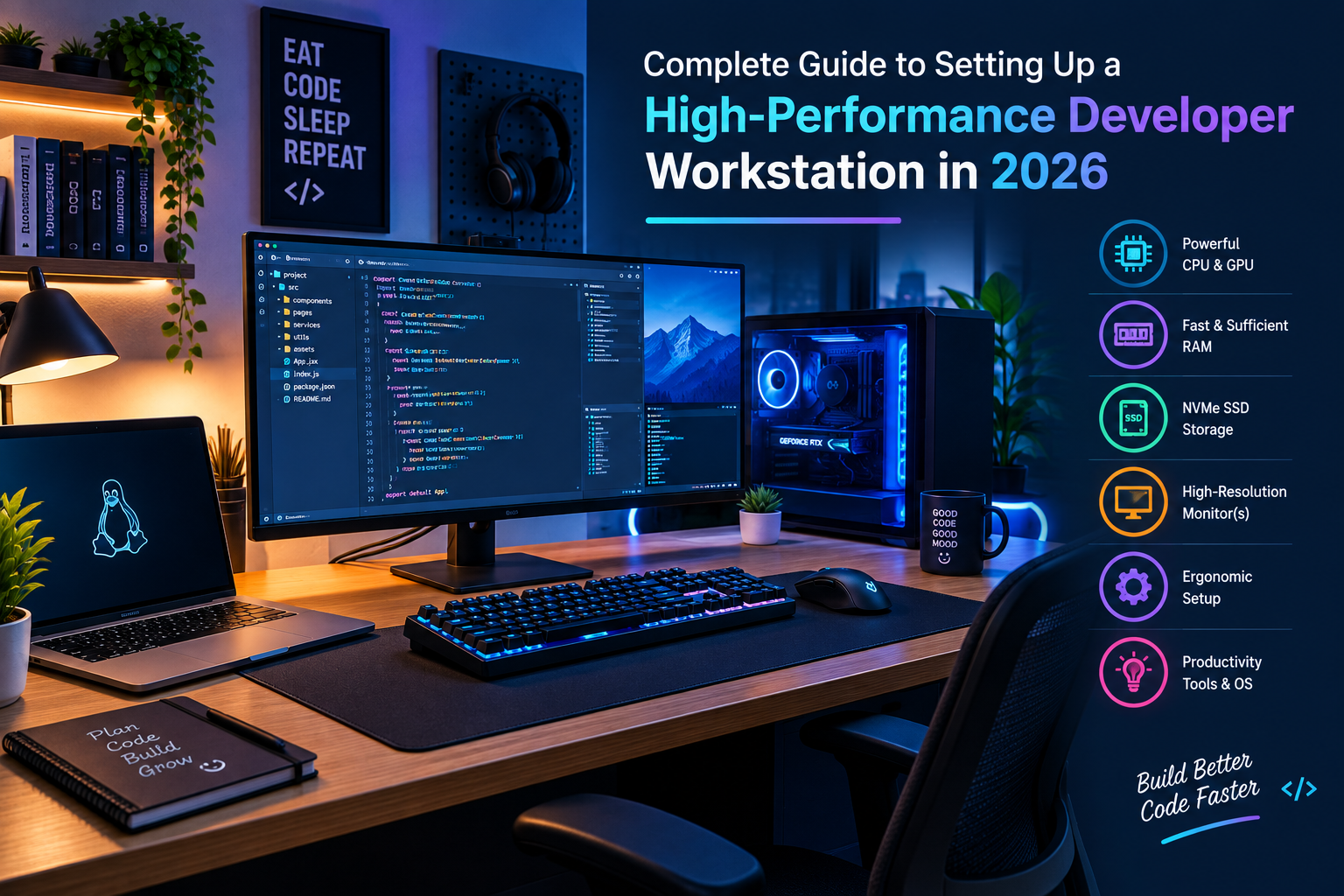
For professional software engineers, DevOps specialists, and full-stack developers, the daily workspace is more than just a desk—it is an optimized command center. Writing clean code, running heavy local containers, compiling large codebases, and managing multiple virtual machines demand robust hardware and thoughtful ergonomic planning. Investing in the right workstation setup directly impacts your daily productivity, coding accuracy, and long-term physical health.
1. Processing Power & Memory: The Core Engine
Modern development environments rely heavily on resource-intensive tools like Docker, Kubernetes clusters, local database instances, and heavy IDEs such as IntelliJ IDEA or VS Code with numerous extensions. Running all these concurrently requires a solid foundation:
- Processor (CPU): Opt for multi-core processors with high clock speeds to ensure lightning-fast code compilation and parallel thread processing.
- Random Access Memory (RAM): While 16GB is the bare minimum for basic scripting, a professional developer workstation should ideally feature 32GB or 64GB of RAM to prevent bottlenecking when running multiple virtual environments.
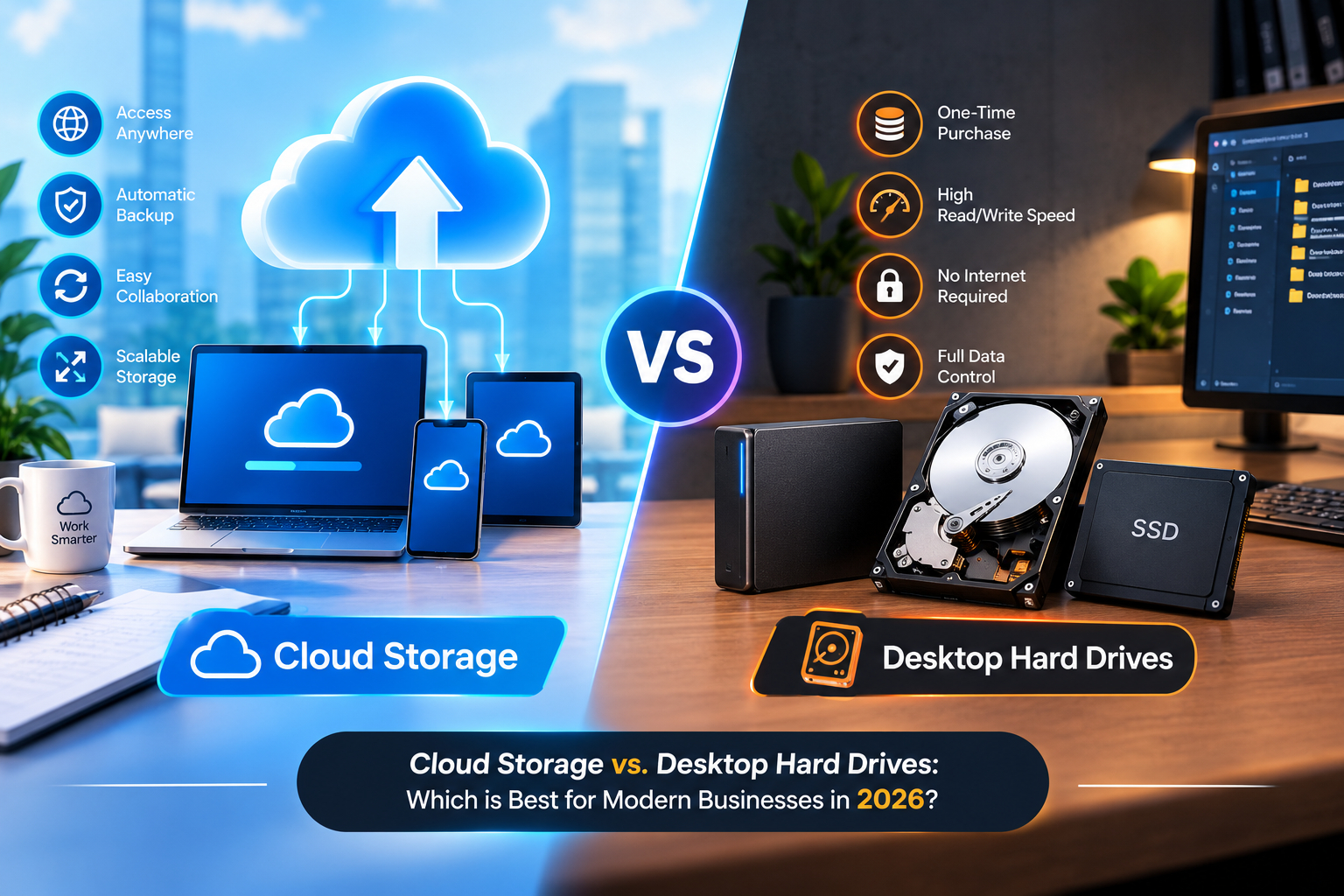
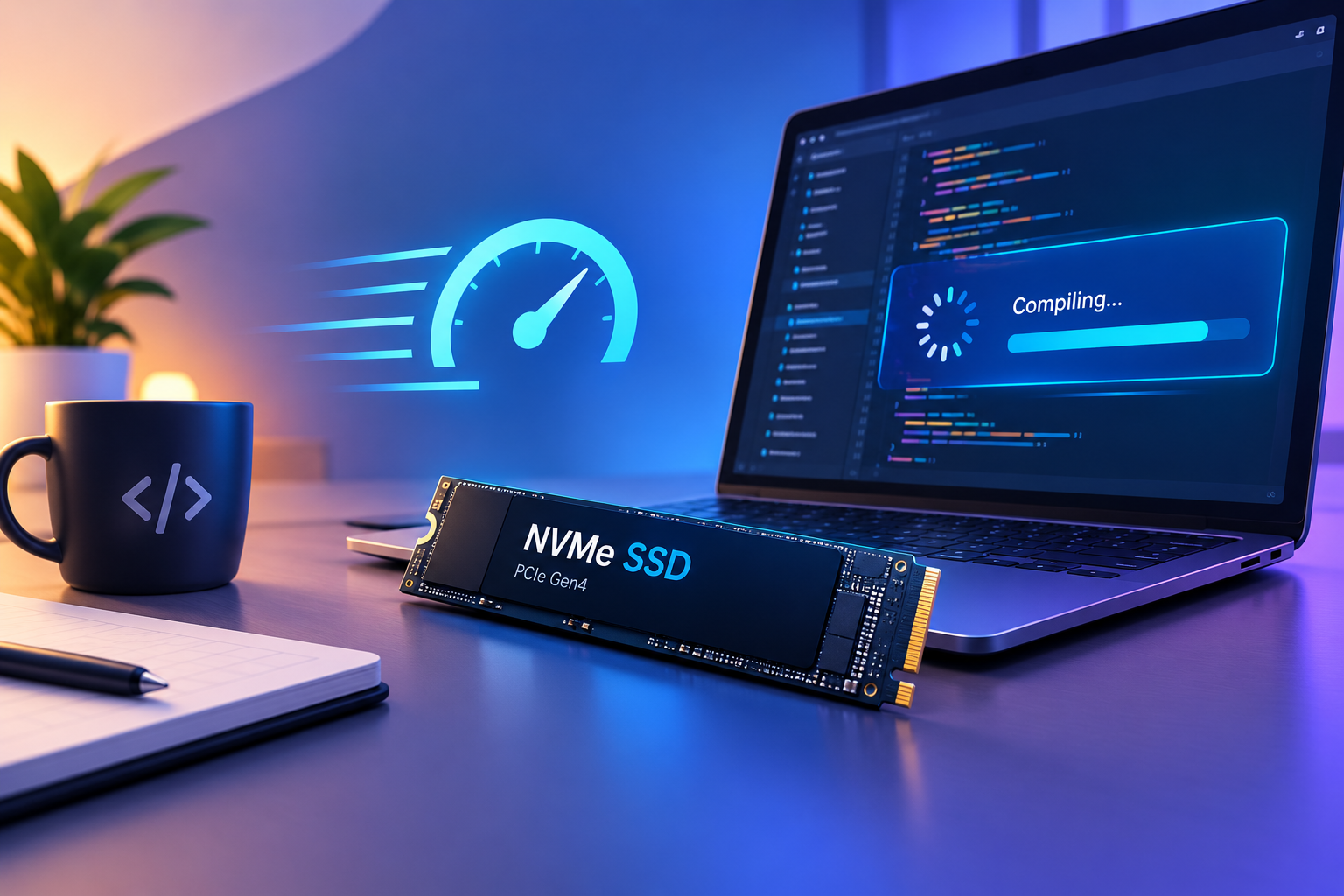
2. Storage Architecture: High-Speed NVMe SSDs
Waiting for large project directories to load or slow databases to boot up wastes valuable hours every week. Traditional mechanical hard drives are completely obsolete for professional coding. Transitioning to high-speed NVMe solid-state drives drastically reduces file read/write latencies, boots up operating systems in seconds, and accelerates container deployments.
3. Ergonomic Peripherals: Keyboards and Mice
Developers spend upwards of 8 hours a day interacting with input devices. Poor ergonomics can lead to repetitive strain injuries (RSI) like carpal tunnel syndrome.
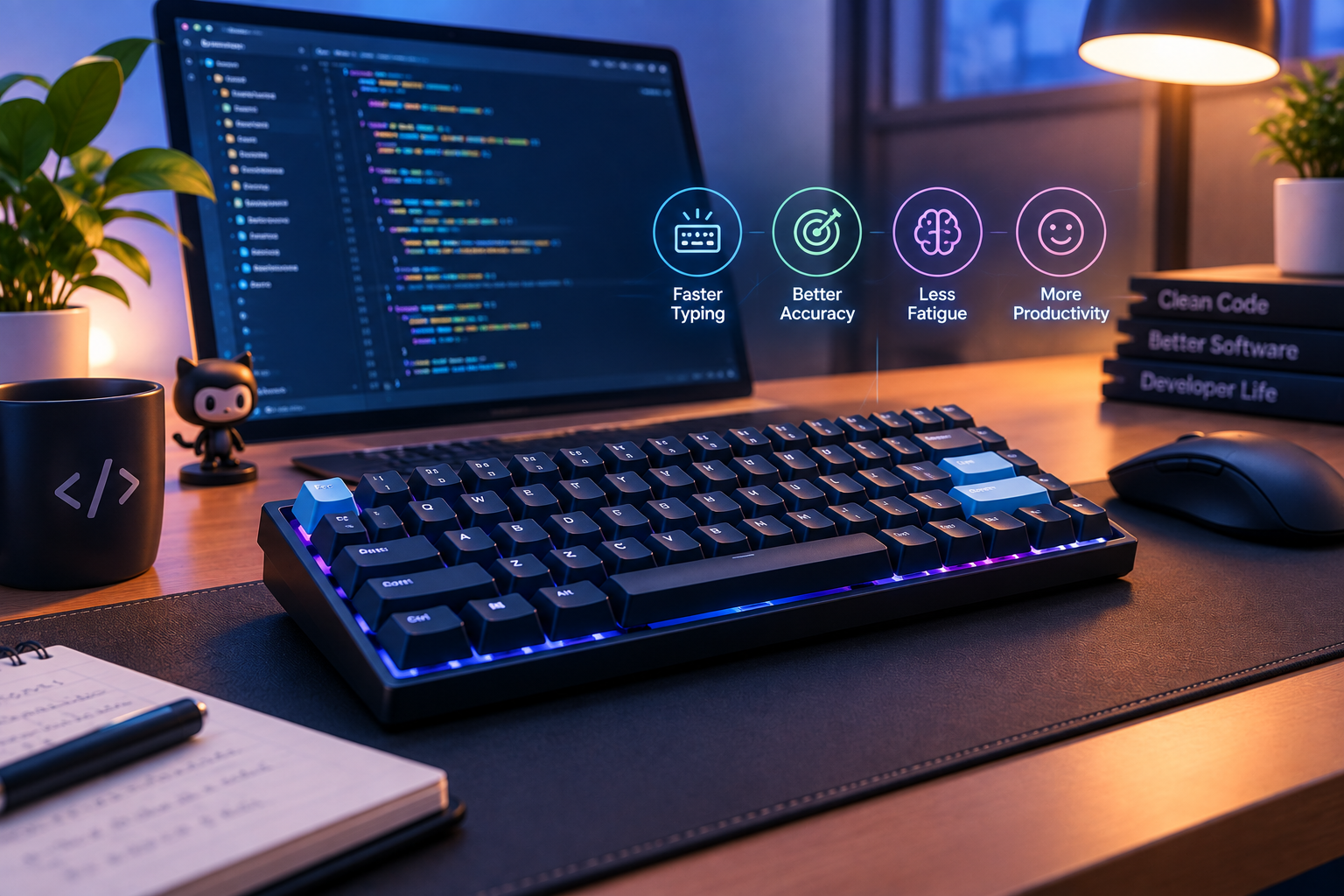
- Mechanical Keyboards: Upgrading to a tactile mechanical keyboard with premium switches improves typing speed and finger comfort during marathon programming sessions.
- Ergonomic Mouse: Vertical mice or trackballs reduce wrist pronation and alleviate muscular tension in the forearm.
Recommended Workstation Upgrade
To upgrade your daily coding comfort and desk ergonomics, consider adding a reliable ergonomic mechanical keyboard and accessory bundle to your setup. It offers wireless connectivity and tactile feedback designed specifically for long coding hours.
4. Display Configuration and Screen Real Estate
Having enough screen space is critical when juggling code editors, documentation windows, terminal logs, and browser preview panes simultaneously. A dual-monitor setup or an ultra-wide curved monitor allows you to arrange your workspace efficiently without constant window switching.
5. Cable Management and Clean Workspace
A cluttered desk leads to mental clutter. Utilizing monitor arms, under-desk cable trays, and wireless accessories keeps your workspace clean, organized, and conducive to deep focus.
Conclusion
Optimizing your developer workstation is an ongoing investment in your career and well-being. By selecting high-performance hardware, ergonomic accessories, and maintaining an organized digital and physical environment, you set the stage for peak engineering performance.